Creating Your Account
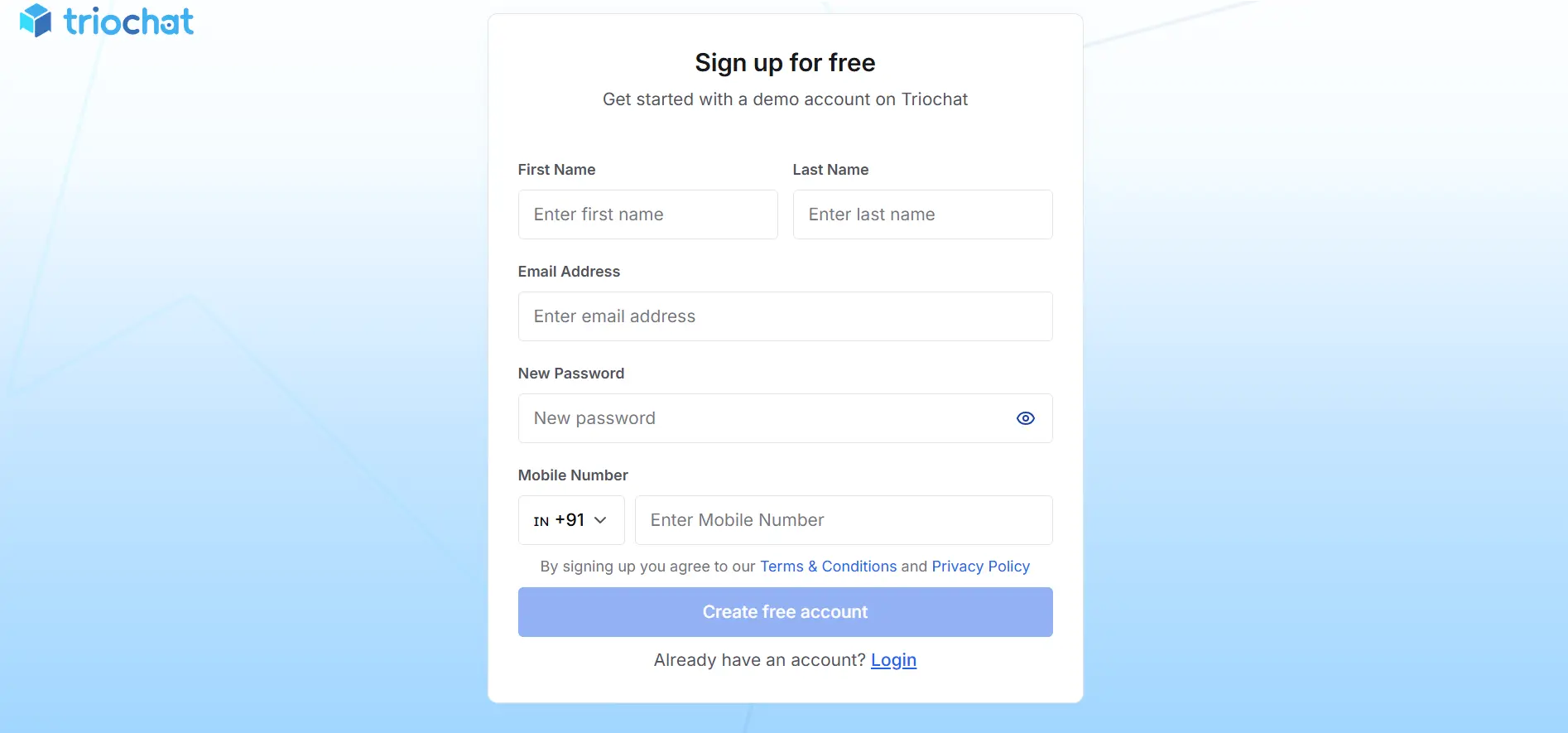
Start by visiting the Triochat website and clicking on the Sign Up option. You will be asked to enter your business email address and phone number. After submitting these details, an OTP verification will confirm your identity.
Once verified, you will set a secure password and create a workspace name. The workspace acts as the central environment where all chats, campaigns, contacts, and automations will be managed.
After completing the registration process, you will be redirected to the Triochat dashboard where you can continue with the onboarding steps.
What Happens After Signup
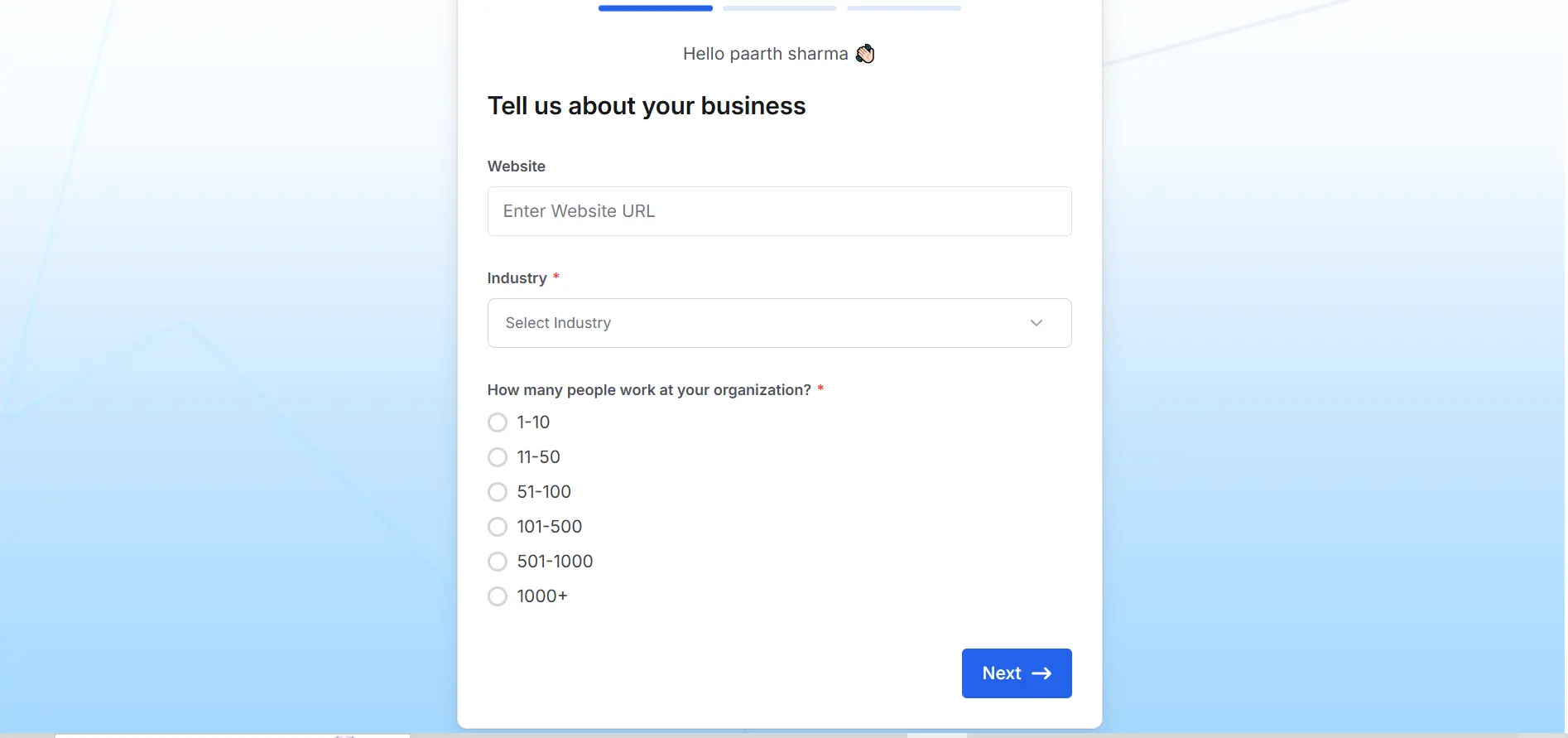
Once your account is created, Triochat will guide you through connecting your WhatsApp number so incoming messages can start appearing in the dashboard.
You may also configure your business profile and invite team members who will help manage conversations.
Tips for First Login
Using your official business email address helps maintain professionalism and makes it easier to manage the account with your team. It is also recommended to securely store your login credentials and complete the entire onboarding process in one session.