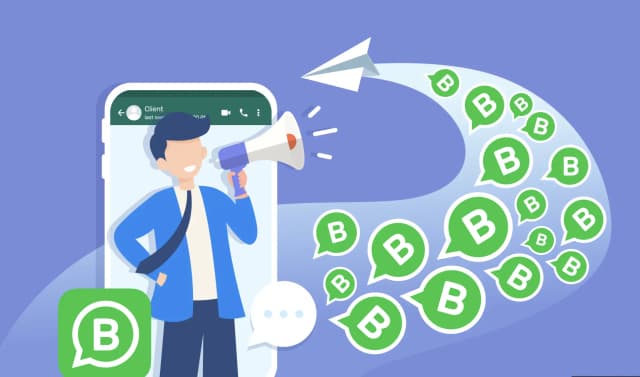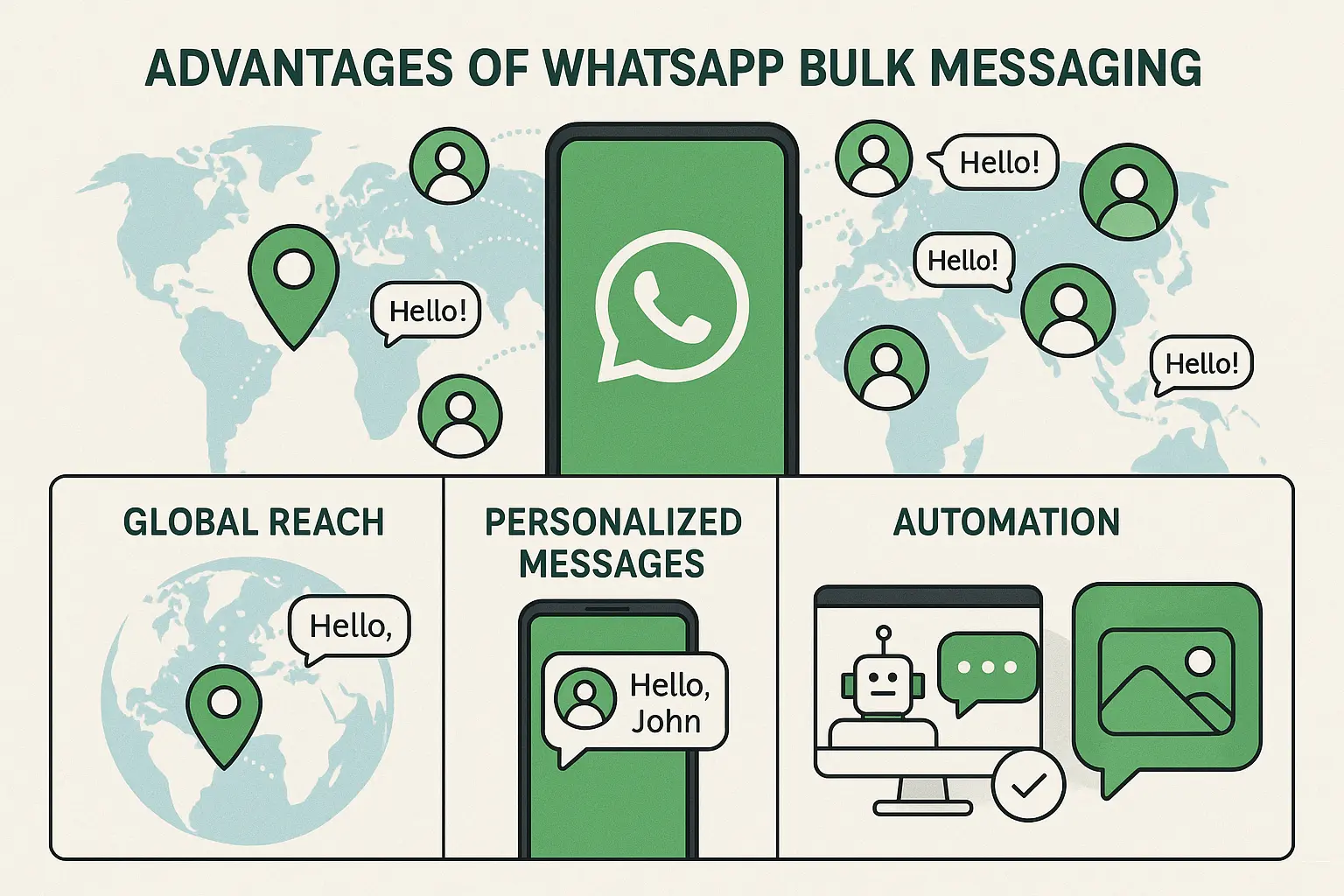
Sending bulk WhatsApp messages lets businesses reach thousands of opted-in customers with a single send — from promotional campaigns and order updates to appointment reminders and re-engagement flows.
But there's a right way and a wrong way to do it. This guide covers both.
What Is Bulk WhatsApp Messaging?
Bulk WhatsApp messaging means sending one message (or a personalized variant) to a large list of contacts simultaneously using the WhatsApp Business API. Unlike WhatsApp's built-in Broadcast List (capped at 256 contacts and requiring recipients to have your number saved), API-based bulk messaging has no contact limit and doesn't require the recipient to save your number.
Businesses use bulk WhatsApp messaging for:
- Promotional campaigns — sales, new product launches, seasonal offers
- Transactional notifications — order confirmations, shipping updates, payment receipts
- Re-engagement — win-back campaigns for inactive customers
- Appointment reminders — reduce no-shows in healthcare, education, and services
- Lead nurturing — follow-up sequences for prospects
Is It Legal to Send Bulk WhatsApp Messages?
Yes — with conditions.
Bulk WhatsApp messaging is legal when:
- You use the official WhatsApp Business API (not third-party APKs or unofficial tools)
- Every contact on your list has explicitly opted in to receive WhatsApp messages from you
- You use Meta-approved message templates for outbound conversations
Using unofficial "WhatsApp blaster" tools violates WhatsApp's terms of service and typically results in a permanent account ban. Meta actively detects and disables accounts using automation outside the official API.
How to Send Bulk WhatsApp Messages (Step-by-Step)
Step 1: Get WhatsApp Business API Access
You cannot send bulk messages through the regular WhatsApp Business app — you need API access. The fastest path:
- Sign up with a WhatsApp Business Solution Provider (BSP) like duochat
- Connect your Facebook Business Manager account
- Verify your business phone number
- Complete Meta's business verification
duochat handles the entire API onboarding process — no developers required.
Step 2: Build and Get Your Message Template Approved
All outbound WhatsApp messages (including broadcasts) must use pre-approved templates. To create one:
- In duochat, go to Templates → Create New Template
- Choose category: Marketing, Utility, or Authentication
- Write your message with dynamic variables:
Hello {{1}}, your order {{2}} has shipped. - Submit for Meta review — standard approval takes 10 minutes to 24 hours
Tips for fast approval:
- Avoid aggressive promotional language ("FREE!!!", "GUARANTEED")
- Include clear opt-out instructions ("Reply STOP to unsubscribe")
- Keep personalization variables (
{{1}},{{2}}) to relevant data only
Step 3: Collect and Segment Your Contact List
Your contact list must consist of opted-in numbers only. Methods to collect opt-ins:
- Website forms with WhatsApp opt-in checkbox
- WhatsApp click-to-chat links (wa.me links) — when a user initiates a conversation, they've implicitly opted in
- In-store or checkout opt-in forms
- Facebook or Instagram lead ads with WhatsApp opt-in
In duochat, import contacts via CSV or sync directly from Shopify, Google Sheets, or your CRM. Segment contacts by tags, custom attributes, or purchase history for better targeting.
Step 4: Create and Schedule Your Broadcast
- In duochat, go to Broadcasts → New Campaign
- Select your approved template
- Map template variables to contact fields (name, order ID, etc.)
- Select your target audience (segment, tag, or full list)
- Choose to send immediately or schedule for a specific time and date
- Review estimated reach and click Send
Step 5: Monitor Delivery and Engagement
After sending, track:
- Delivered — messages that reached the recipient's device
- Read — messages opened (WhatsApp shows blue ticks)
- Replied — recipients who responded
- Failed — undelivered messages (invalid numbers, opt-outs)
duochat's broadcast analytics shows these metrics in real time, per campaign and per contact.
WhatsApp Bulk Messaging Limits
| Method | Contact Limit | Requires Saved Number | API Required |
|---|---|---|---|
| WhatsApp Broadcast List | 256 | Yes | No |
| WhatsApp Business API (Tier 1) | 1,000 unique/day | No | Yes |
| WhatsApp Business API (Tier 2) | 10,000 unique/day | No | Yes |
| WhatsApp Business API (Tier 3) | 100,000 unique/day | No | Yes |
| WhatsApp Business API (Unlimited) | No limit | No | Yes |
Tiers increase automatically as your account maintains a high quality rating (low block and spam rates).
How to Avoid Getting Banned When Sending Bulk Messages
- Only message opted-in contacts — the single most important rule
- Maintain a low block rate — if too many recipients block you, Meta lowers your tier
- Include easy opt-out — "Reply STOP" or a clear unsubscribe link
- Don't send too frequently — space out promotional messages; daily messages to the same contacts increases block rates
- Personalize — generic blasts get blocked more often than relevant, personalized messages
- Use a quality BSP — platforms with poor infrastructure get flagged faster; duochat uses direct Meta API connections with compliance monitoring built in
Best Tools for Bulk WhatsApp Messaging in 2026
| Tool | Best For | Standout Feature | Starting Price |
|---|---|---|---|
| duochat | India SMBs, D2C, service businesses | AI calling + AI chatbot + Ads Manager | $145/year |
| Wati | Global SMBs, wide integrations | Broad integration library | ~$99/mo |
| AiSensy | India D2C, high-volume broadcast | Free forever plan | Free + pay-per-conversation |
| Interakt | Shopify-native e-commerce | Abandoned cart recovery | ₹14,500/year |
| Gallabox | High-throughput e-commerce campaigns | 12,000 msg/min broadcast | Custom |
Ready to Send Your First Bulk WhatsApp Campaign?
duochat gives you everything you need to send bulk WhatsApp messages at scale — approved templates, contact segmentation, broadcast scheduling, delivery analytics, and a shared inbox for replies. And unlike most tools, it includes an AI calling feature to follow up unreachable contacts automatically, an AI agent chatbot to handle replies, and a built-in Ads Manager to run Click-to-WhatsApp campaigns — all from one dashboard, without needing a developer.
Start your free trial or book a demo to see bulk messaging in action.