Campaigns Analytics
Overview
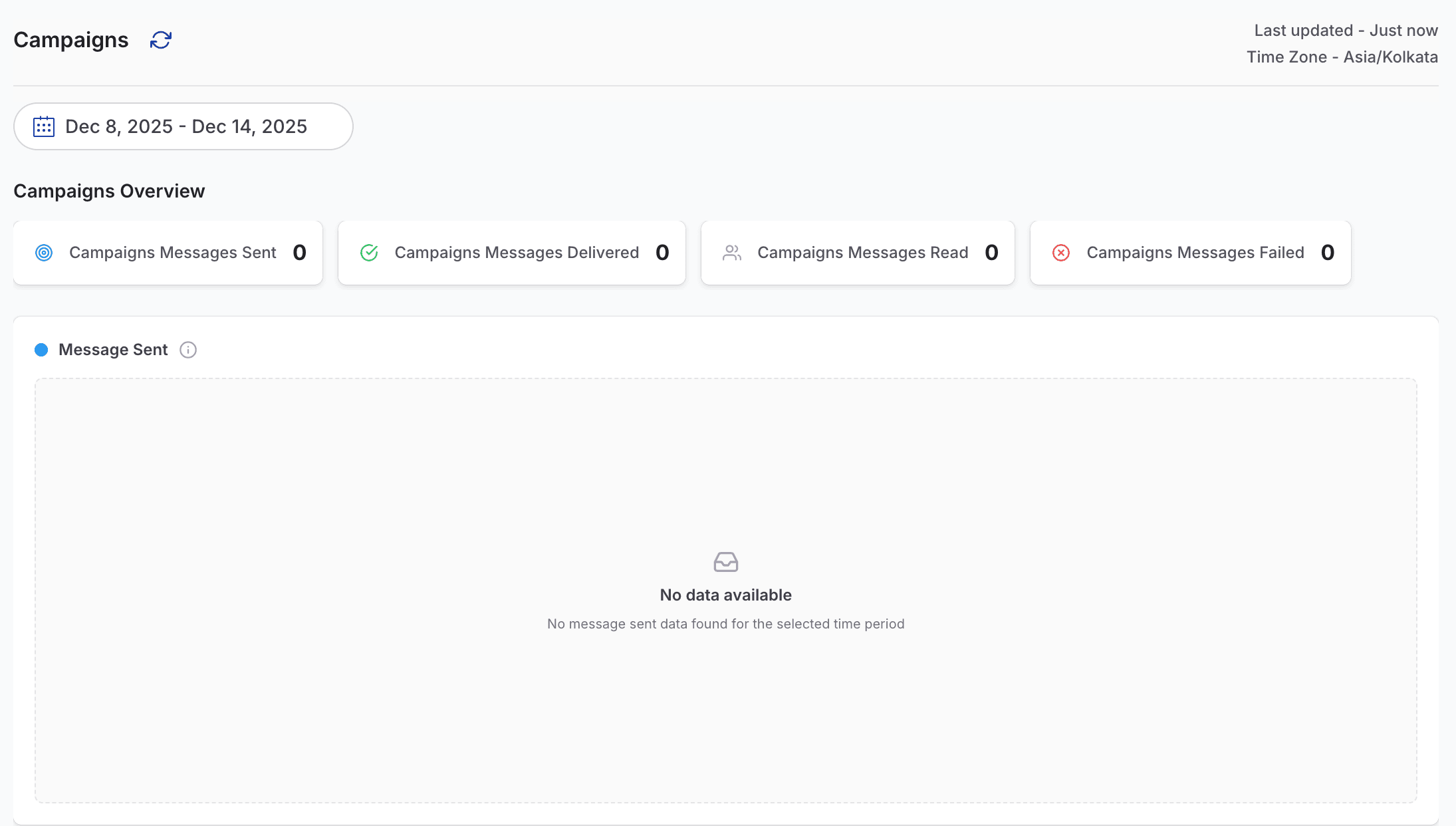
Campaigns Analytics helps you understand the performance of your broadcast and promotional messages sent through duochat. This dashboard shows how many campaign messages were sent, delivered, read, and failed during the selected date range.
It enables teams to evaluate messaging effectiveness, content strategy, audience quality, and overall campaign success.
Campaign Messages Sent
Campaign Messages Sent shows the total number of campaign messages successfully sent during the selected period.
This metric helps you:
- Track campaign volume
- Understand distribution frequency
- Monitor overall campaign activity
Campaign Messages Delivered
Campaign Messages Delivered indicates how many campaign messages successfully reached customers’ WhatsApp inboxes.
Low delivery rates may point to:
- Invalid or unreachable phone numbers
- Template-related issues
- Channel or configuration problems
Monitoring this metric helps ensure better delivery quality.
Campaign Messages Read
Campaign Messages Read displays how many customers opened your campaign messages.
High read counts usually indicate:
- Strong customer engagement
- Well-crafted messaging content
- Accurate audience targeting
Campaign Messages Failed
Campaign Messages Failed shows the number of campaign messages that were not delivered.
Common reasons include:
- Blocked contacts
- Invalid phone numbers
- Technical or network errors
- Template rejection
Monitoring failed messages helps improve campaign performance, list hygiene, and overall messaging reliability.
On this page