Skip to main content
Invitations
Overview
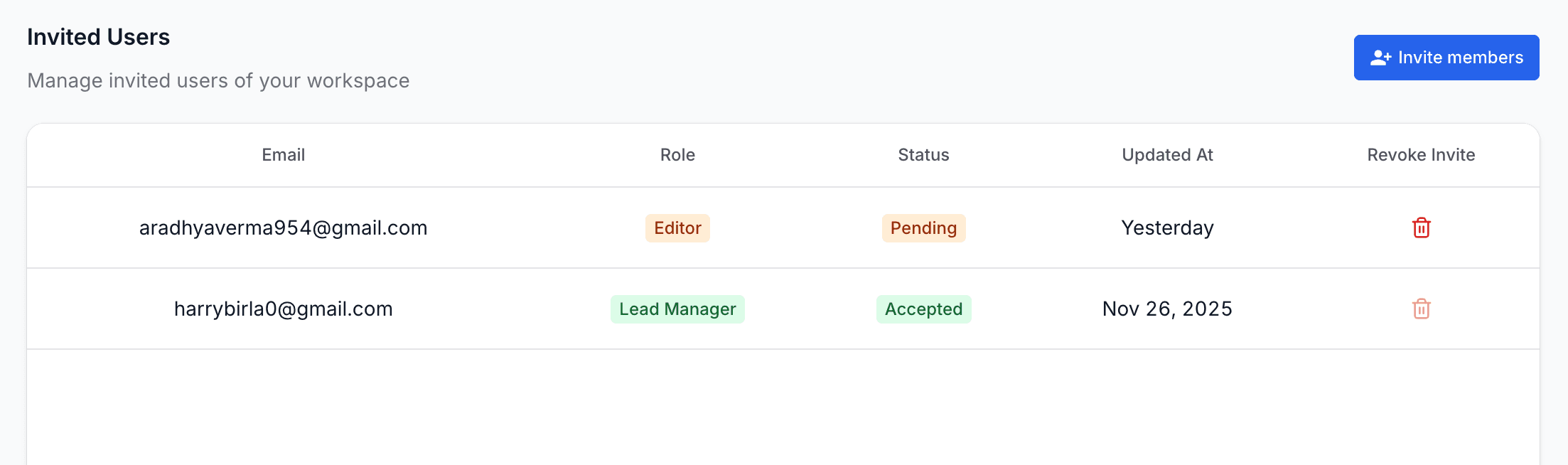
The Invitations page displays users who have been invited to join your workspace but have not yet activated their accounts. This section helps you monitor onboarding progress and manage all pending invitations effectively.
Invited Users
From the Invitations page, you can:
- View all invited users along with their assigned roles
- Check invitation status such as Pending or Accepted
- See when an invitation was last updated
- Revoke an invitation if it is no longer required
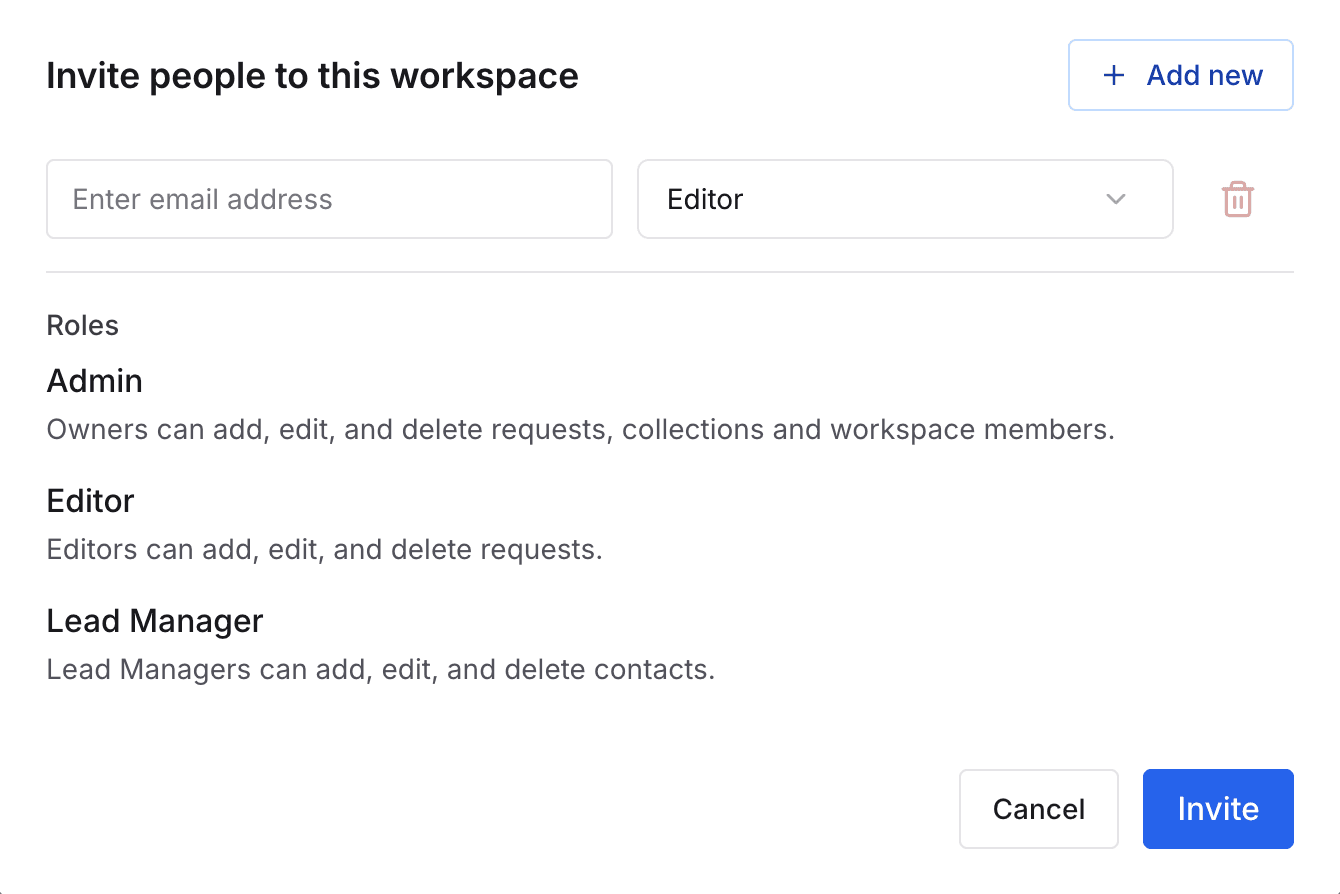
- Send additional invites using the Invite Members button
Once a user accepts an invitation, they automatically appear in the Members list with their assigned role.
On this page