Skip to main content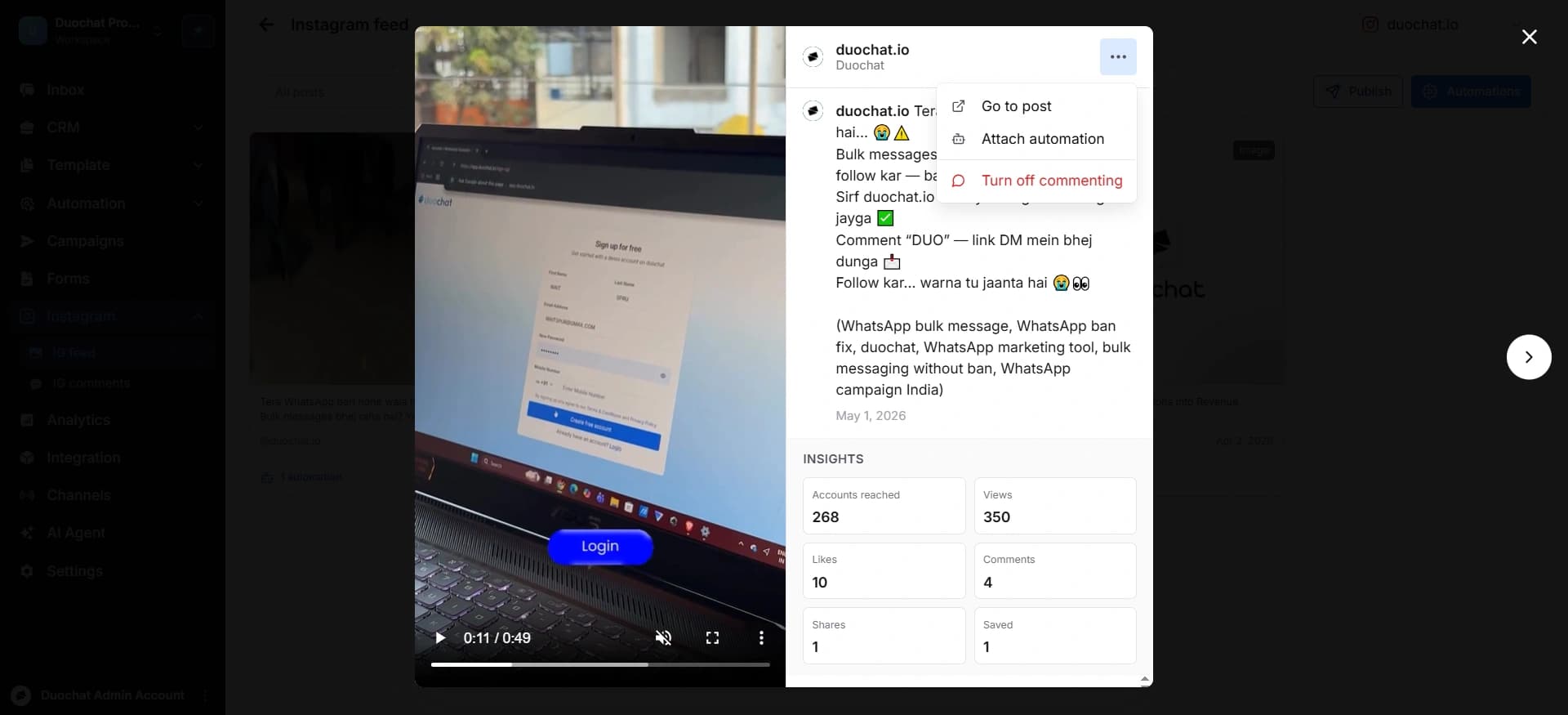
Attach Automation to a Post
Attach Automation to a Post
- Open the desired post.
- Click on the three dots (⋯) in the top-right corner.
- Select “Attach Automation” and choose the automation you created.
- Below the caption of the posts, insights are visible which shows the number of accounts viewed this post, views, likes, comments, shares and saves.
On this page