Skip to main content
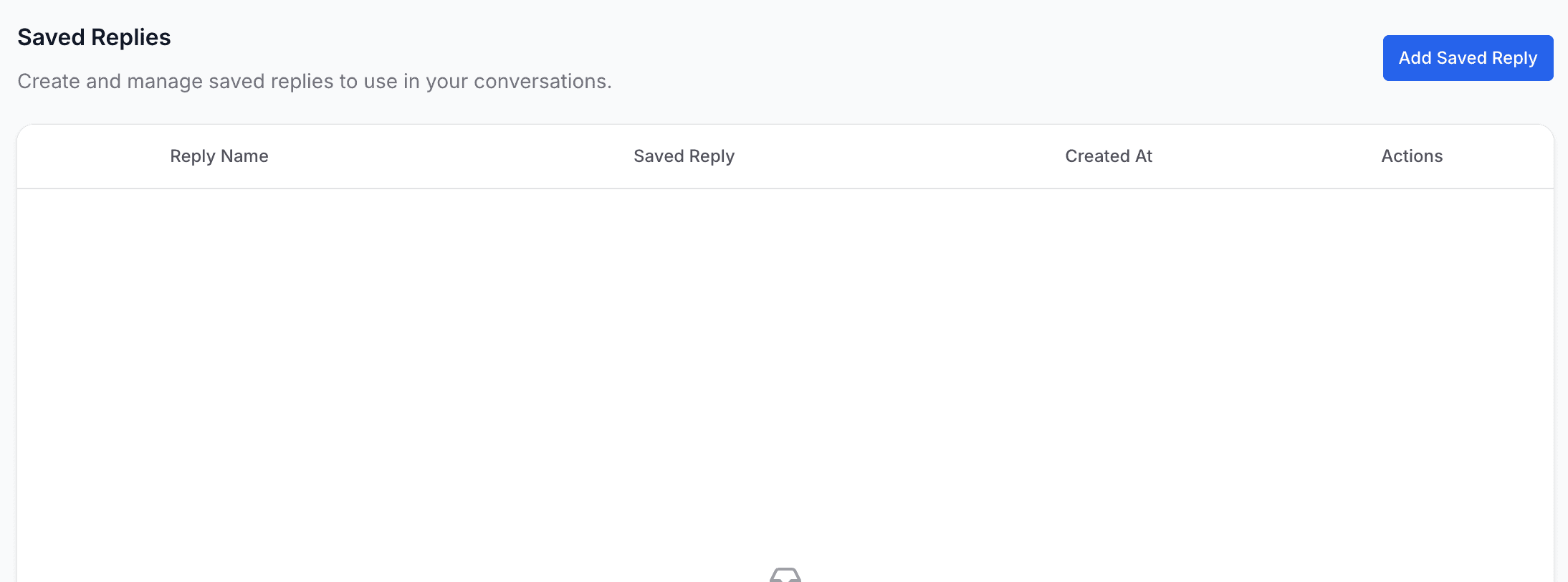
Saved Replies
Overview
Saved Replies are predefined messages that help your team respond quickly and consistently. They are especially useful when answering common questions such as business hours, pricing details, delivery updates, or onboarding instructions.
The Saved Replies page displays all existing replies and provides options to edit or delete them.
Creating a Saved Reply
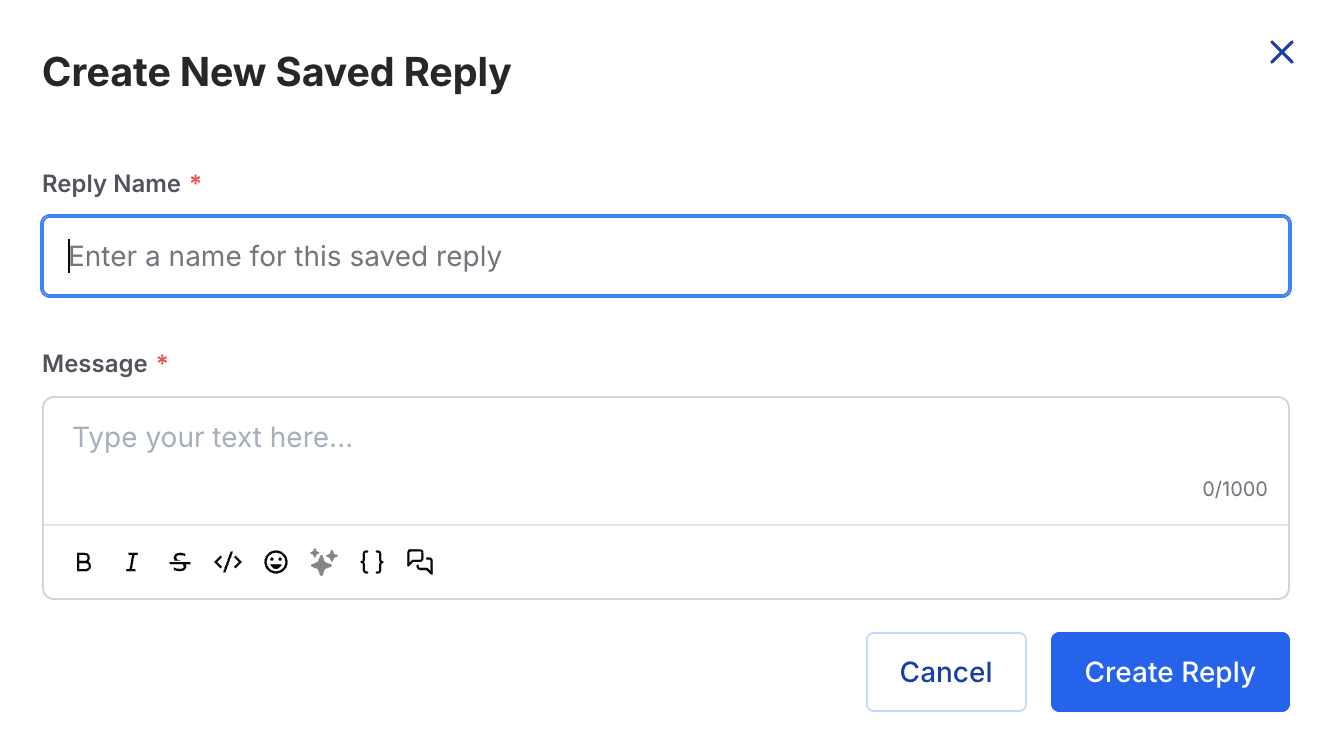
To create a new saved reply, simply enter the following details:
- Reply Name – A short label for internal reference
- Message Content – The text sent to customers
Saved replies support rich formatting, including:
- Bold and italics
- Emojis
- Code snippets
Agents can select saved replies directly within conversations, enabling faster responses while maintaining accuracy, consistency, and professionalism.
On this page