Skip to main content
Profile Settings
Overview
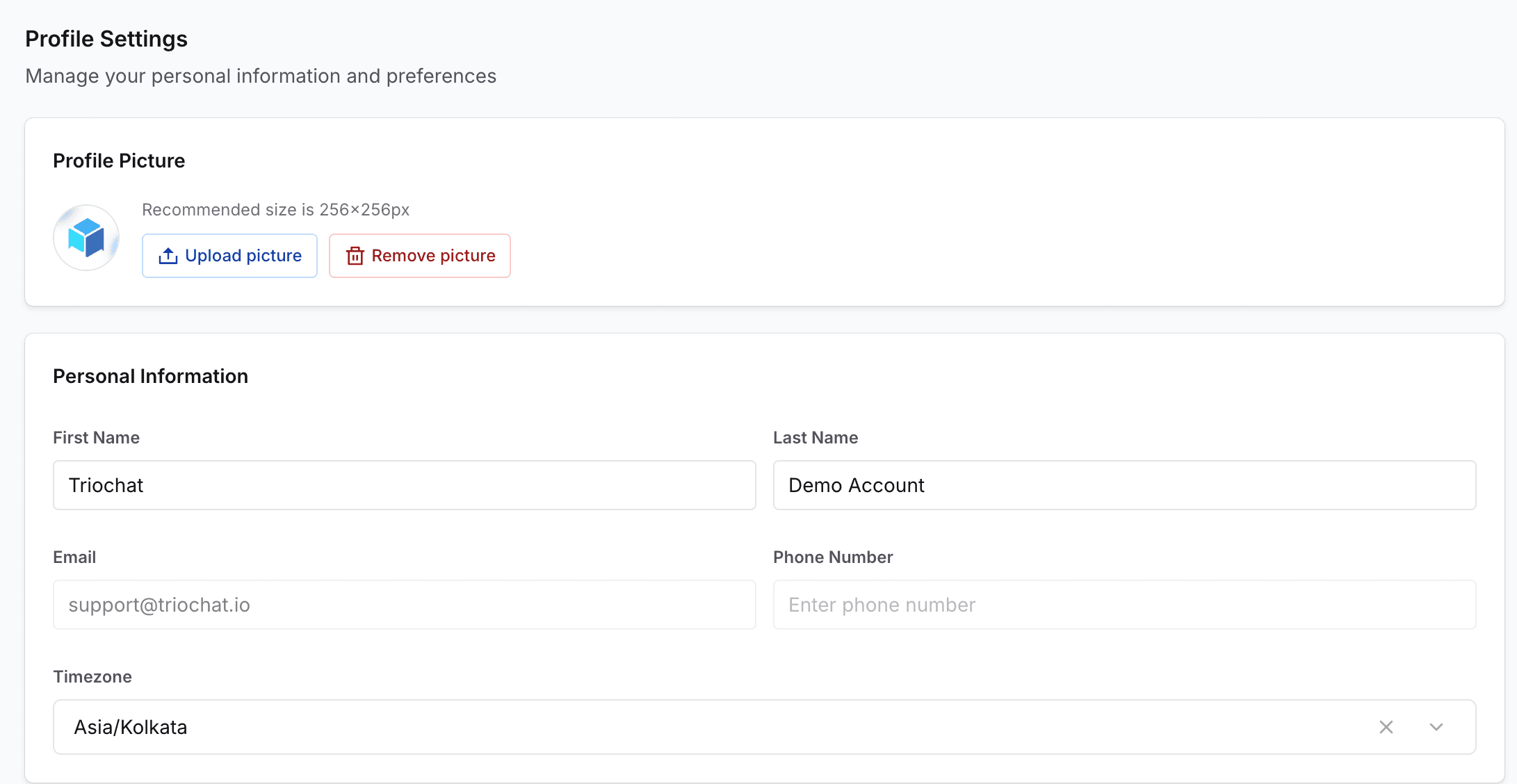
Profile Settings allow you to manage your personal account information and preferences within your duochat workspace. Keeping your profile details updated ensures secure access, accurate identification, and a personalized experience across the platform.
Personal Information
From the Profile Settings page, you can update:
- Your profile picture
- First name and last name
- Email address and phone number
- Your preferred timezone
Accurate personal information helps ensure proper communication, notifications, and account recovery.
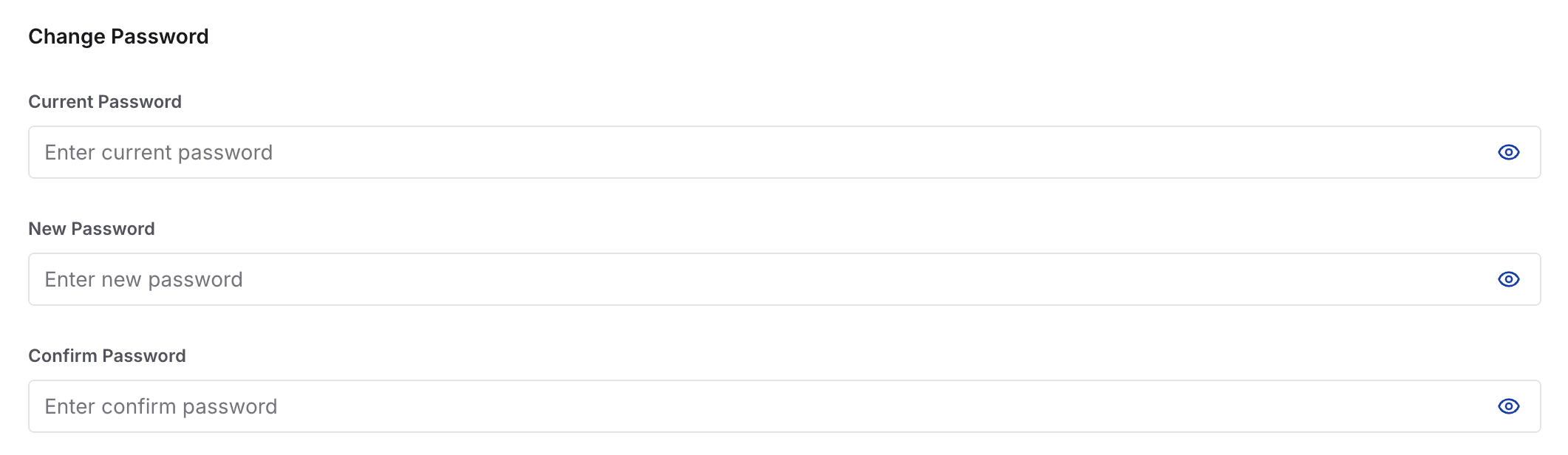
Change Password
To enhance account security, you can update your password at any time.
Steps include:
- Enter your current password to authenticate the change
- Set a new password following security guidelines
Regularly updating your password is recommended to maintain strong security practices.
Profile Settings help personalize your account experience while keeping your workspace access secure.
On this page