Skip to main content
Delete Workspace
Overview
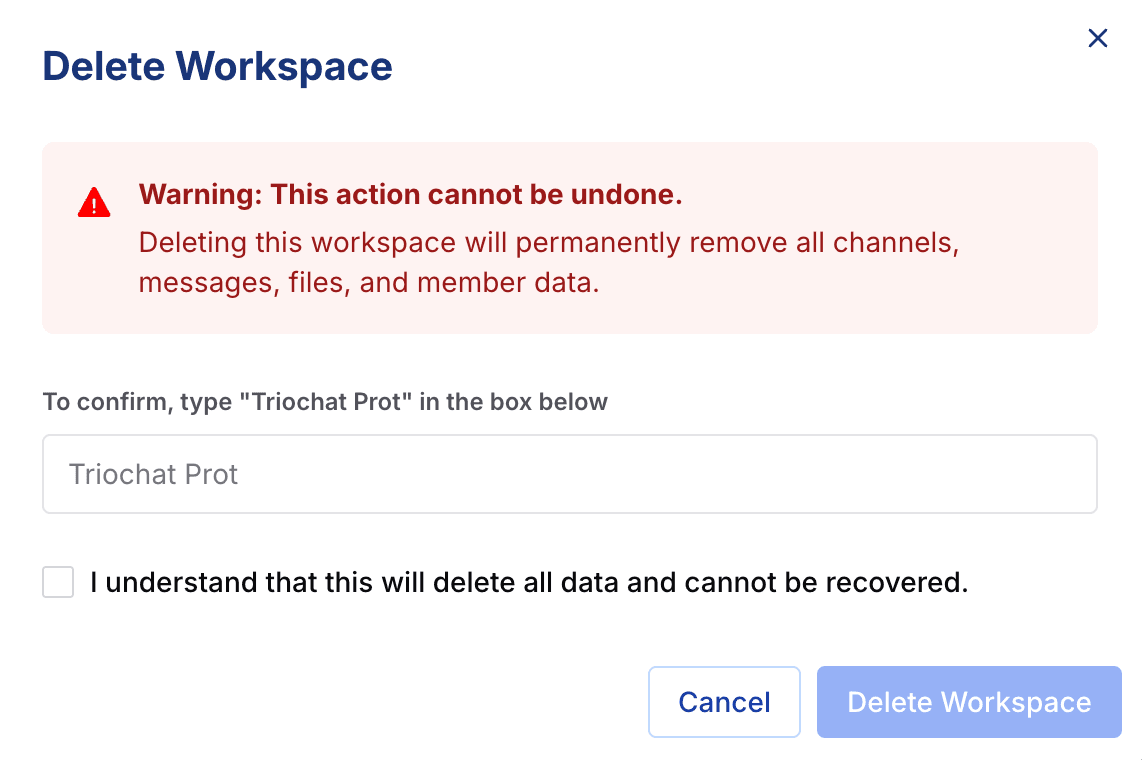
The Delete Workspace option permanently removes your workspace along with all associated data. This is a high-risk action and should only be used when you intend to fully shut down or reset your duochat environment.
What Happens When You Delete
Deleting your workspace will result in the following:
- All data, messages, files, and connected channels are permanently removed
- All workspace members immediately lose access
- The action is irreversible and cannot be undone
Proceed only if you are certain that you no longer need the workspace or its data.
Security Confirmation
To prevent accidental deletions, duochat requires an additional confirmation step.
- You must manually type your workspace name to verify the action
- Deletion proceeds only after successful verification
The Danger Zone is designed with strict safeguards to protect your data and prevent unintentional loss.
On this page